AI job search
Type what you're looking for in plain language. Opplaus turns it into the right filters and shows matching jobs, so you spend less time picking options from dropdowns.
- Describe the job in a sentence
- Filters set for you
- Jobs that match
Find jobs in plain language, see where they are, save jobs from other sites, tailor your resume and track every application, all in one place.
Type what you're looking for in plain language. Opplaus turns it into the right filters and shows matching jobs, so you spend less time picking options from dropdowns.
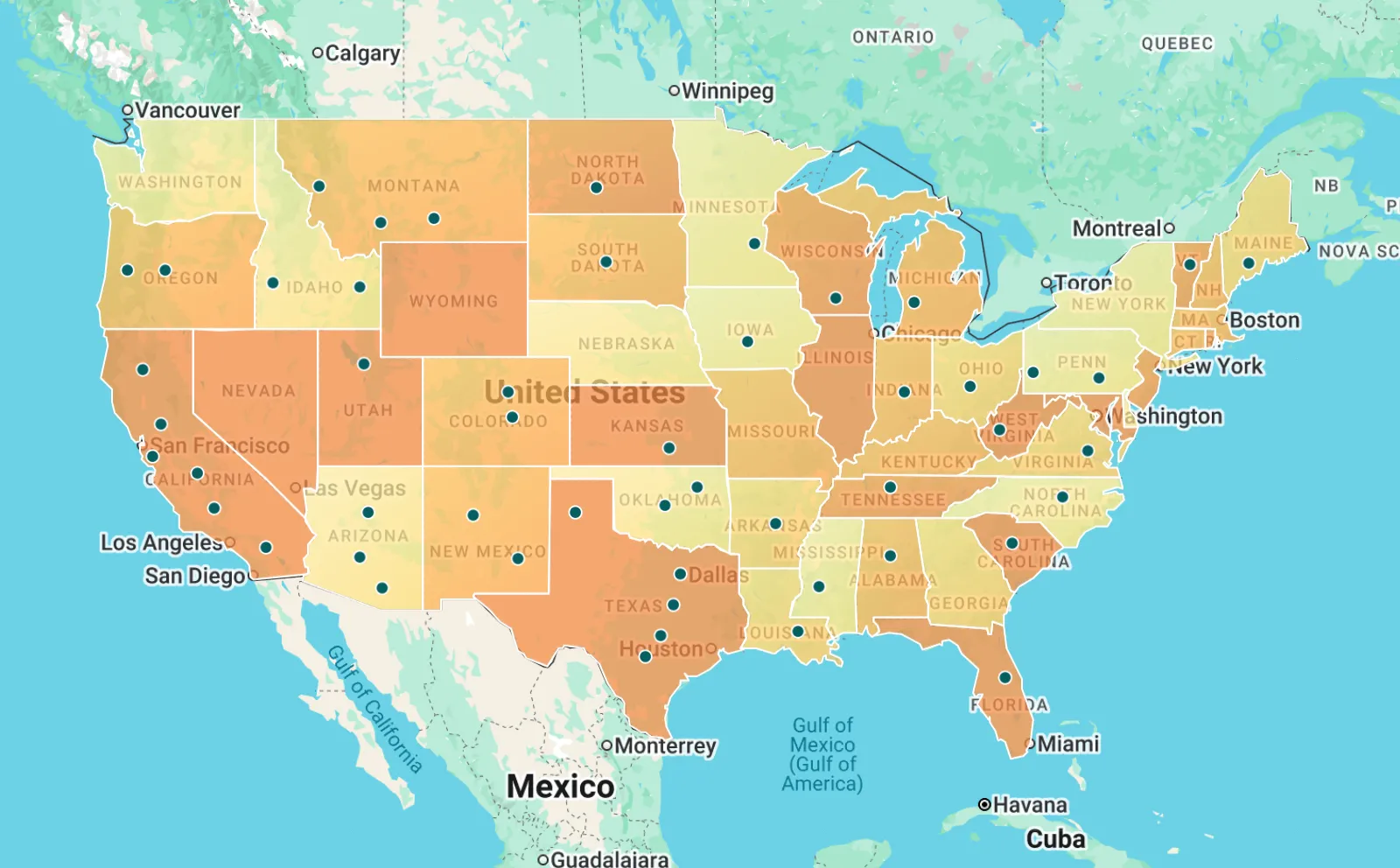
Opplaus puts open jobs on an interactive map of the US. Spot where your kind of role is in demand, then zoom in and explore jobs city by city.
Found a job on LinkedIn, Indeed or another job site? The Opplaus extension captures the details and adds the job to your tracker, so every application stays in one place.
Start from your current resume or LinkedIn profile, build one strong foundation resume, then tailor a version for each job with AI writing help and a clear score.
Keep track of the jobs you saved, applied to and interviewed for, including jobs from other job sites. See them as a table, on a map or on a Kanban board.
Something else on your mind? Contact us.
You can search and open jobs without an account. You need one to apply, save jobs, use the job map, build resumes and track applications.
Yes. Jobs you find or save from other sites go into one tracker, and the resume builder can tailor a resume to any of them.
Apps for iOS and Android are on the way. Until then, Opplaus works in the browser on your phone.
Create your Opplaus account to save jobs, use the job map, tailor your resume and track every application.